Managing shipments, coordinating with carriers, handling endless documentation, and keeping customers updated can quickly become overwhelming. Manual processes and disconnected systems make these challenges even harder, leading to delays, errors, and rising costs. Freight forwarding software helps simplify these operations, improve shipment visibility, and keep your business moving efficiently.
In this guide, explore its key features, benefits, and how to choose the right solution for your business.
What is Freight Forwarding Software?
Freight forwarding software is a digital system that helps freight forwarders manage the shipment process, from customer quotations and carrier bookings to documentation, customs clearance, cargo tracking, and invoicing.
It brings these activities together in one platform, giving operations, sales, and finance teams access to the information they need. Many solutions also include Transportation Management System (TMS) features to help coordinate freight movements.
For example, when a customer books an ocean freight shipment, the forwarder can create a job file and manage the required documents, shipment updates, and billing against that booking.
The software acts as a central record for each shipment, helping teams stay organized and maintain control from the first quote to the final invoice.
Key Features of Freight Forwarding Software
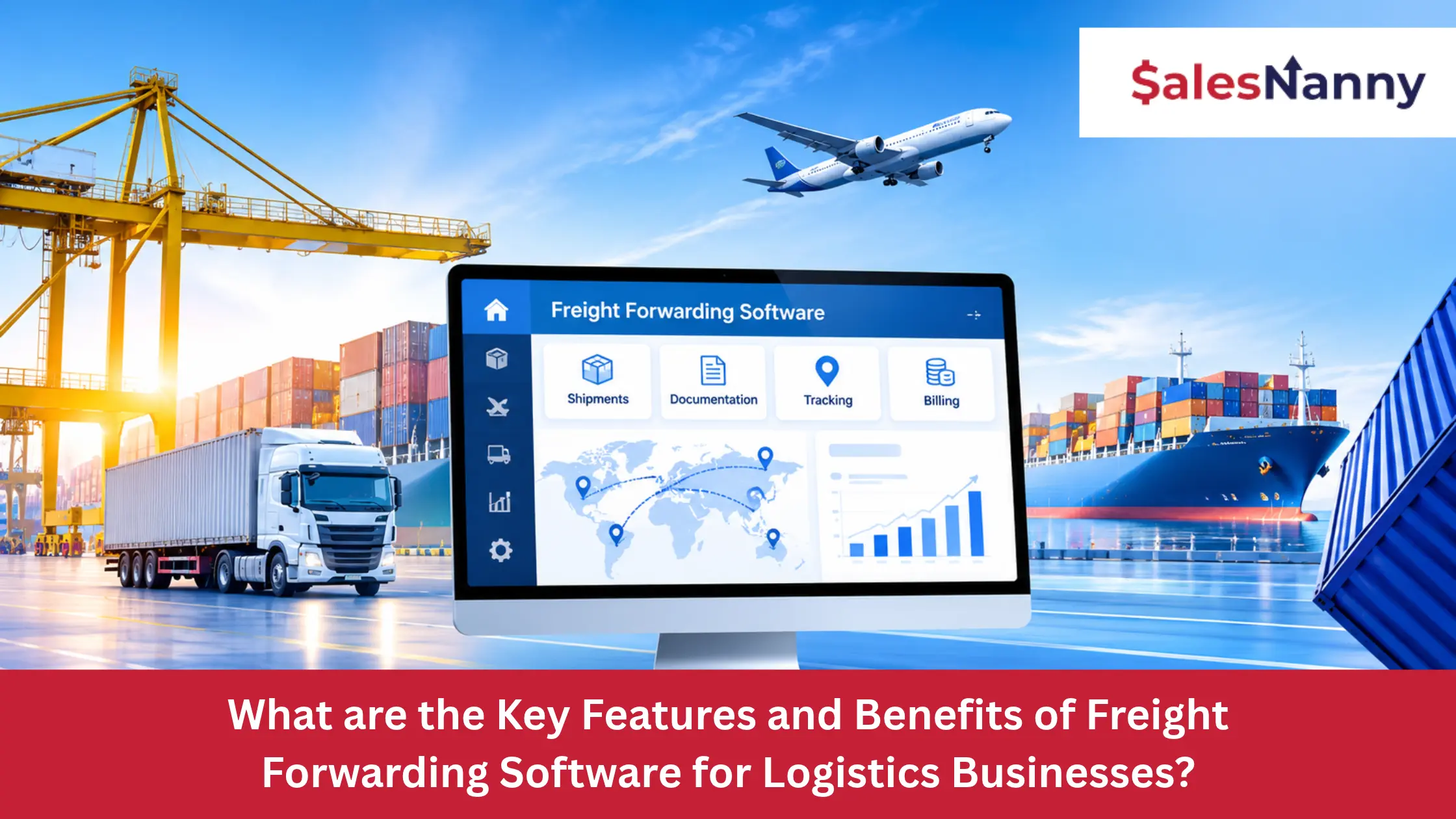
Freight forwarding software offers several features to help businesses manage shipments, documentation, finances, and customer communication. Here are seven key features to look for.
1. Shipment Management System
Manage air, ocean, and road freight shipments, from booking to final delivery, with shipment status updates.
2. Document Management System
Prepare, store, and share bills of lading, air waybills, commercial invoices, and customs documents in one place.
3. Warehouse Management System
Track incoming and outgoing cargo, manage inventory, and monitor warehouse storage and cargo movements.
4. Billing and Invoicing
Generate customer invoices, record freight charges, manage payments, and track shipment-level profitability.
5. Real-Time Shipment Tracking
Monitor cargo locations, shipment milestones, and delivery updates using available carrier tracking information.
6. Customer Self-Service Portal
Allow customers to check shipment status, access shipping documents, and view invoices through an online portal.
7. System Integrations and API Support
Connect freight forwarding software with accounting systems, CRM platforms, carrier networks, and customs applications to exchange business data.
How does Freight Forwarding Software Benefit Your Business?
Freight forwarding software helps businesses save time, control operating costs, and improve service quality. Here are five key benefits.
1. Increased Efficiency
Automate routine tasks and speed up daily freight operations.
2. Cost Reduction
Reduce administrative expenses, unnecessary labor, and costly operational errors.
3. Improved Accuracy
Keep shipment information consistent and reduce mistakes in documents and billing.
4. Better Decision-Making
Use shipment, cost, and profitability reports to make informed business decisions.
5. Enhanced Customer Experience
Provide timely shipment updates, clear communication, and more reliable customer service.
Common Challenges Freight Forwarders Face Without the Right Software
Freight forwarders face several challenges when managing daily operations without the right software. Here are five common problems.
1. Direct Carrier Competition
Digital booking platforms allow shippers to compare freight rates and book directly with carriers, increasing competition for freight forwarders.
2. Document Management
Handling large volumes of shipping documents manually increases the risk of errors, missing information, and miscommunication.
3. Limited Shipment Visibility
Without reliable tracking systems, freight forwarders struggle to monitor cargo movements and provide timely shipment updates.
4. Changing Industry Requirements
Frequent changes in customs regulations, shipping requirements, and industry practices make it harder to manage freight operations.
5. Manual Billing Processes
Manual invoicing and payment tracking can lead to billing delays, missed charges, and reduced profitability.
Popular Freight Forwarding Software Solutions in 2026
According to 2026 freight forwarding software comparisons, CargoWise, Magaya, GoFreight, and Descartes are among the platforms worth considering. Each offers different capabilities depending on your business needs.
1. CargoWise
CargoWise is a logistics management platform developed by WiseTech Global.
- Manages air, ocean, and road freight operations.
- Supports customs and warehouse management.
- Handles accounting and job profitability.
Pricing: Contact the provider for applicable pricing.
2. Magaya
Magaya offers freight forwarding software for logistics companies, customs brokers, and warehouse operators.
- Manages shipments and freight documentation.
- Supports quotations, billing, and invoicing.
- Handles warehouse inventory and cargo movements.
Pricing: Available upon request.
3. GoFreight
GoFreight provides cloud-based freight forwarding software for ocean and air freight operations.
- Manages shipments, quotations, and bookings.
- Supports freight documentation and accounting.
- Provides shipment tracking and customer portals.
Pricing: Available upon request.
4. Descartes
Descartes offers freight forwarding and logistics management solutions.
- Supports freight forwarding and customs processes.
- Provides shipment tracking and visibility.
- Connects carriers and logistics partners.
Pricing: Varies by product and business requirements.
How to Choose the Right Freight Forwarding Software for Your Business?
Choosing the right freight forwarding software depends on your business needs, daily operations, and budget. Here are six important factors to consider before making a decision.
1. Ease of Use
Choose software that your team can learn and use without extensive training.
2. Scalability
Make sure the system can handle more shipments, users, and customers as your business grows.
3. Cloud-Based Access
Consider cloud-based software that allows your team to access shipment information securely from different locations.
4. Customization Options
Look for software that supports your existing freight workflows and business requirements.
5. Integration Capabilities
Check whether the software connects with your accounting, CRM, customs, and carrier systems.
6. Customer Support
Choose a provider that offers reliable technical support, employee training, and regular software updates.
Turn Better Operations Into Business Growth
We build digital marketing strategies that help freight forwarding businesses attract more customers and grow revenue.
Specialized Digital Marketing Agency for Logistics BusinessesConclusion
Choosing the right freight forwarding software is about finding a solution that fits your operations, budget, and future business needs. Understanding its features, benefits, and limitations can help you make a more informed investment.
However, operational efficiency alone may not bring new customers. Freight forwarding businesses also need a strong online presence to reach potential buyers and create new business opportunities.
Ready to grow your freight forwarding business beyond daily operations? Book a free consultation call to explore how SalesNanny’s digital marketing strategies can support your business growth.